What Are the 5 Best Tools to Grow on Social Media?
A practical list of social media tools for creators who want to plan content, design better posts, edit videos, find ideas, and grow with a repeatable workflow.
Growing on social media is not only about posting more.
It is about building a workflow that helps you show up consistently, understand your audience, create better content, and learn from what worked.
Most creators do not need more random tools.
They need a simple stack.
- One tool for ideas.
- One tool for writing.
- One tool for design.
- One tool for video.
- One tool for planning, scheduling, and reviewing performance.
That is the kind of setup that can turn content from a daily panic into a repeatable system.
Here are five tools that can help creators, indie hackers, small brands, and social media teams grow more consistently.
1. ChatGPT for ideas, angles, and content research

A lot of creators get stuck before they even start writing.
They know they should post, but they do not know what to say.
That is where ChatGPT can help.
Not by writing every post for you, but by helping you think through angles faster.
You can use it to:
- brainstorm topic ideas
- turn rough thoughts into cleaner outlines
- create post variations
- find hooks
- repurpose long ideas into shorter posts
- organize a messy content plan
For example, instead of asking:
"What should I post today?"
Ask something more specific:
"Give me 20 post ideas for a small SaaS founder building in public. Focus on product decisions, marketing lessons, pricing, and customer feedback."
That gives you a better starting point.
The real value is not outsourcing your voice. The value is reducing the blank page problem.
If you use AI well, it becomes a thinking partner.
If you use it lazily, your content will sound like everyone else.
2. Canva for social media graphics and simple visual content
Not every post needs a graphic.
But good visuals can help when you need to explain something quickly, announce something, or turn an idea into a more shareable asset.
Canva is useful because it gives creators a fast way to create social media graphics, carousels, thumbnails, and simple branded content without opening a heavier design tool.
You can use Canva for:
- quote cards
- launch graphics
- carousel style explainers
- simple diagrams
- announcement posts
- social media banners
For creators who are not designers, Canva is usually enough.
The key is not to overdesign every post. The goal is to make your ideas easier to understand.
A simple graphic that explains one idea clearly is better than a beautiful design that says nothing.
3. CapCut for short videos and quick editing

Short video is still one of the strongest ways to create social content.
Even if your main platform is text based, video can help you repurpose ideas across Instagram, TikTok, YouTube Shorts, LinkedIn, and other platforms.
CapCut is useful because it makes video editing more accessible.
You can use it to:
- trim clips
- add captions
- create short explainers
- edit product demos
- make talking head videos
- turn screen recordings into social clips
A good video does not need to be cinematic.
It needs to be clear.
For social media, the first few seconds matter. The video should quickly show why someone should keep watching.
That might be a strong opening line, a visual change, a product moment, or a problem people recognize.
If you are building a brand or product, CapCut can help you turn everyday moments into useful content.
4. Notion for content planning and idea storage
Social media growth gets harder when ideas live everywhere.
- One note in your phone.
- One screenshot in your gallery.
- One draft in a browser tab.
- One thought saved inside a chat.
- One idea you forgot because you did not write it down.
Notion is useful as a flexible place to store ideas and plan content before it becomes a post.
You can create a simple content database with:
- idea
- topic
- status
- platform
- draft
- publish date
- notes
- performance link
This helps you separate ideas from finished content.
Not every idea needs to become a post today.
Some ideas need to sit for a while. Some need research. Some are better as replies. Some become longer posts later.
The point is to stop losing good ideas.
A good content system starts with capture.
5. Katalisk for planning, scheduling, and reviewing what worked
Ideas, designs, and videos are only part of the workflow.
At some point, you need to publish.
That is where a social media planning tool becomes useful.
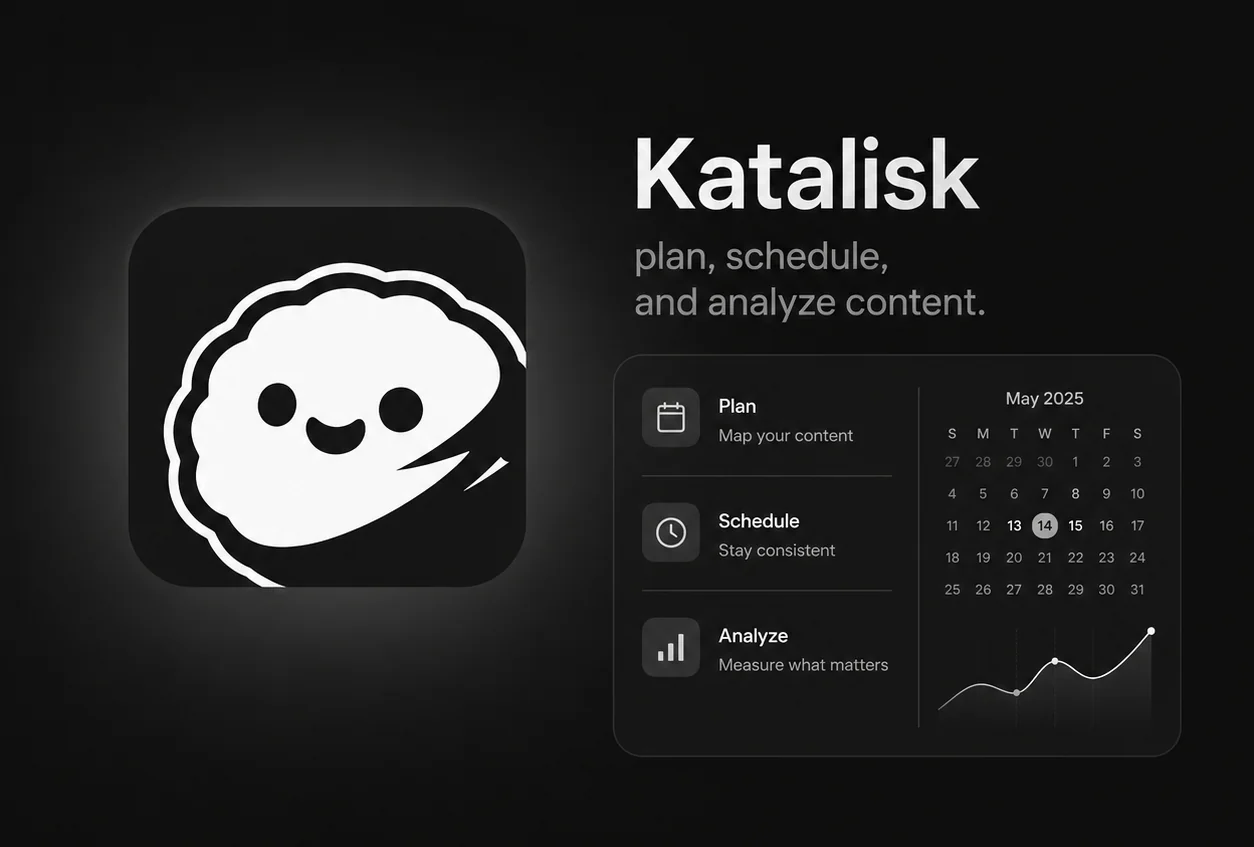
Katalisk is built for creators who want a cleaner way to plan, schedule, and review their content workflow, starting with Threads.
It helps with:
- writing posts
- saving drafts
- planning content
- scheduling posts
- managing connected accounts
- reviewing post performance
The important part is not just scheduling.
Native scheduling can help you publish later, but creators still need the workflow around it.
They need to know:
- what ideas are ready
- what posts are planned
- which accounts are active
- what already went live
- what performed well
- what to write next
That is the gap Katalisk is designed to fill.
It gives your content workflow one place to live.
The best tool stack is the one you actually use
The goal is not to collect tools.
The goal is to build a repeatable workflow.
A simple creator stack could look like this:
- ChatGPT for ideas and content angles
- Canva for graphics
- CapCut for videos
- Notion for planning and notes
- Katalisk for scheduling and performance review
That gives you a complete loop:
- Capture ideas.
- Create assets.
- Write posts.
- Schedule content.
- Review results.
- Repeat what works.
That is how social media growth becomes more manageable.
Not easy.
Not automatic.
But manageable.
A simple workflow for growing your account
If you want to grow more consistently, try this weekly routine:
- choose 3 core topics for the week
- write 10 rough post ideas
- turn 3 to 5 of them into polished posts
- create visuals only when they make the idea clearer
- schedule posts ahead of time
- reply inside relevant communities every day
- review which posts got replies, saves, views, or reposts
- repeat the topics and formats that worked
This is especially important on platforms like Threads.
Threads is not only a place to broadcast. It is a place to join conversations, use relevant topics, and become recognizable around the ideas you keep showing up for.
If your posts are random, growth becomes harder.
If your topics, replies, and schedule create a pattern, people have a reason to remember you.
Final thought
The best social media tools do not replace taste, consistency, or judgment.
They support them.
- Use AI to think faster.
- Use design tools to explain better.
- Use video tools to repurpose ideas.
- Use planning tools to stay organized.
- Use Katalisk to turn the whole workflow into something you can repeat.
Growth does not come from one perfect post.
It comes from building a system that helps you keep showing up with better ideas.
Plan your next Threads post with Katalisk
Capture ideas, schedule posts, and review what worked in one clean creator workspace.